Asset pair
Choose the asset being sent and received
Confirm the exact send asset and receive asset before opening any deposit screen. Tickers alone do not define the transfer.
Crypto Swap Execution Hub
Change one crypto asset into another. Prepare the pair, networks, and destination before funding the order.
Choose The Asset. Confirm The Network. Open The Swap. Verify The Destination.
Swap interface
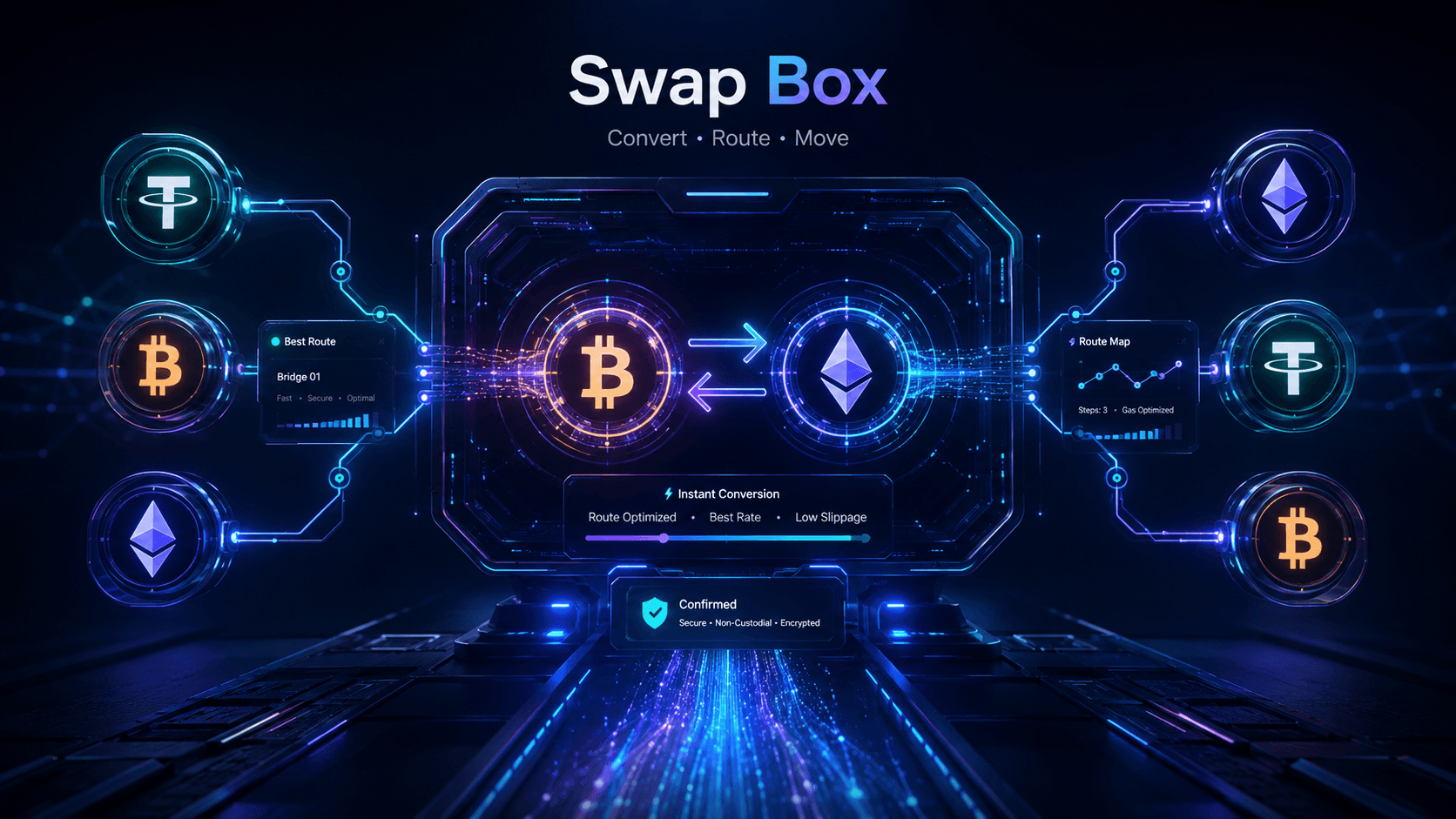
Direct verdict
Use Swap Box to choose the pair, verify both networks, confirm the destination, and fund the swap.
Practical Answers
Execution stages
Asset pair
Confirm the exact send asset and receive asset before opening any deposit screen. Tickers alone do not define the transfer.
Both networks
Match the network you send from to the network the destination wallet can receive. The same ticker on different networks is not interchangeable.
Destination details
Enter a destination address you control. Add a memo or tag where required. Prepare a refund address when the service supports or requires one.
Create the order
Read the displayed estimate and selected rate type on the service screen. Create the order only after the destination fields match.
Fund the deposit
Fund only the deposit details shown for that order. Do not reuse an old deposit address from a previous swap.
Receive and record
Confirm the destination wallet received the expected asset. Save the order ID or Exchange ID, transaction hashes, amounts, addresses, and timestamps.
Select a swap service
Use Best Crypto Swap Tools when the open question is which service fits the job. Use the partner sections below when the execution sequence is already clear.
Official partner
ChangeNOW fits direct execution, fixed or floating rate choice before deposit, and Exchange ID progress tracking. The standard crypto-to- crypto flow can begin without creating another exchange trading account.
Official partner
SimpleSwap fits a clean pair-to-wallet flow, fixed or floating rate choice, Exchange ID status checking, and accessible support. Most standard conversions can begin without creating a Customer Account.
Create the order
Review the service estimate and whether the selected rate type is fixed or floating. A swap estimate is not the same as a guaranteed receipt.
Send the exact required asset on the correct network to the deposit details shown for that order. Network fees may be separate from the displayed estimate.
Final received amount can depend on execution conditions, selected rate type, and network fees shown by the service and wallet at the time of transfer.
Confirm destination receipt
Confirm the receiving wallet shows the expected asset on the expected network and compare the credited amount with the final presentation on the service screen.
Keep the order ID or Exchange ID, both transaction hashes, amounts, addresses, and timestamps for support or later review.
Before you send checklist
Swap tool selection guide
Compare ChangeNOW and SimpleSwap by coverage, rate type, limits, and support before entering the destination address.
Open Best Crypto Swap ToolsUse the ChangeNOW vs SimpleSwap page when the choice is already narrowed to these two partners.
Open ChangeNOW Vs SimpleSwapRelated guides
FAQ
Swap Box is the A Crypto Box swap execution hub. It covers the order of work from asset pair and network checks through funding, receipt, and record keeping.
Swap Box runs the execution sequence. Best Crypto Swap Tools chooses the service by job before you enter the destination address.
ChangeNOW and SimpleSwap are the approved swap partners. Both support standard crypto-to-crypto flows with fixed or floating rate choice and Exchange ID tracking.
Save the order ID or Exchange ID, sending transaction hash, receiving transaction hash, quoted and received amounts, wallet addresses, and timestamps.
No. A standard flow can begin without creating another exchange trading account, but AML screening can still trigger verification for a flagged transaction.
Final swap action