What automation can do
Watch conditions continuously, repeat predefined entry and exit logic, reduce constant screen watching, and keep bot or rule status visible after deployment.
Automation Tools
Research the condition. Define the response. Let the tool repeat the logic you wrote.
The market does not sleep. Your screen does not need to stay open.
Category overview
Direct selection
Choose TradingView when the first problem is research, screening, chart conditions and alerts. Choose Coinrule when the strategy can be written as conditions and actions without code. Choose Bitsgap when predefined bot architectures, Smart Orders and multi-exchange operations matter most.
Direct answers
Why automate
Watch conditions continuously, repeat predefined entry and exit logic, reduce constant screen watching, and keep bot or rule status visible after deployment.
Strategy quality, capital size, leverage decisions, permission review, and the choice to pause or edit an automation stay with you.
Three-tool verdict
Market intelligence
Charts, crypto screeners, watchlists, indicators, alerts and Pine Script research before any automation decision.
Create The Alert Before The TradeNo-code rule engine
Condition-and-action rules, templates, demo execution and live deployment without writing automation code.
Turn The Condition Into An Automated RuleBot operations
GRID, DCA, BTD, LOOP, Smart Orders and portfolio monitoring across connected exchanges in one trading workspace.
Open Bitsgap And Choose A Bot StructureChoose by market task
Screen pairs, inspect the chart, build a watchlist and create alerts on TradingView before committing capital.
Convert entry, exit and limits into a Coinrule automation when the logic is clear enough to write once.
Deploy GRID, DCA, BTD or LOOP structures on Bitsgap when the market behavior fits an established bot design.
Use Bitsgap when orders, bots and portfolio review need one multi-exchange operations surface.
Before deployment
What automation actually does
Automation can monitor conditions and execute predefined actions. It does not fix poor strategy design, excessive risk, weak liquidity, leverage mistakes, API misconfiguration, or unexpected market changes. Review remains part of the workflow.
Next action
Start with TradingView when the condition is still undefined. Move to Coinrule or Bitsgap when the response is ready to repeat.
Continue
FAQ
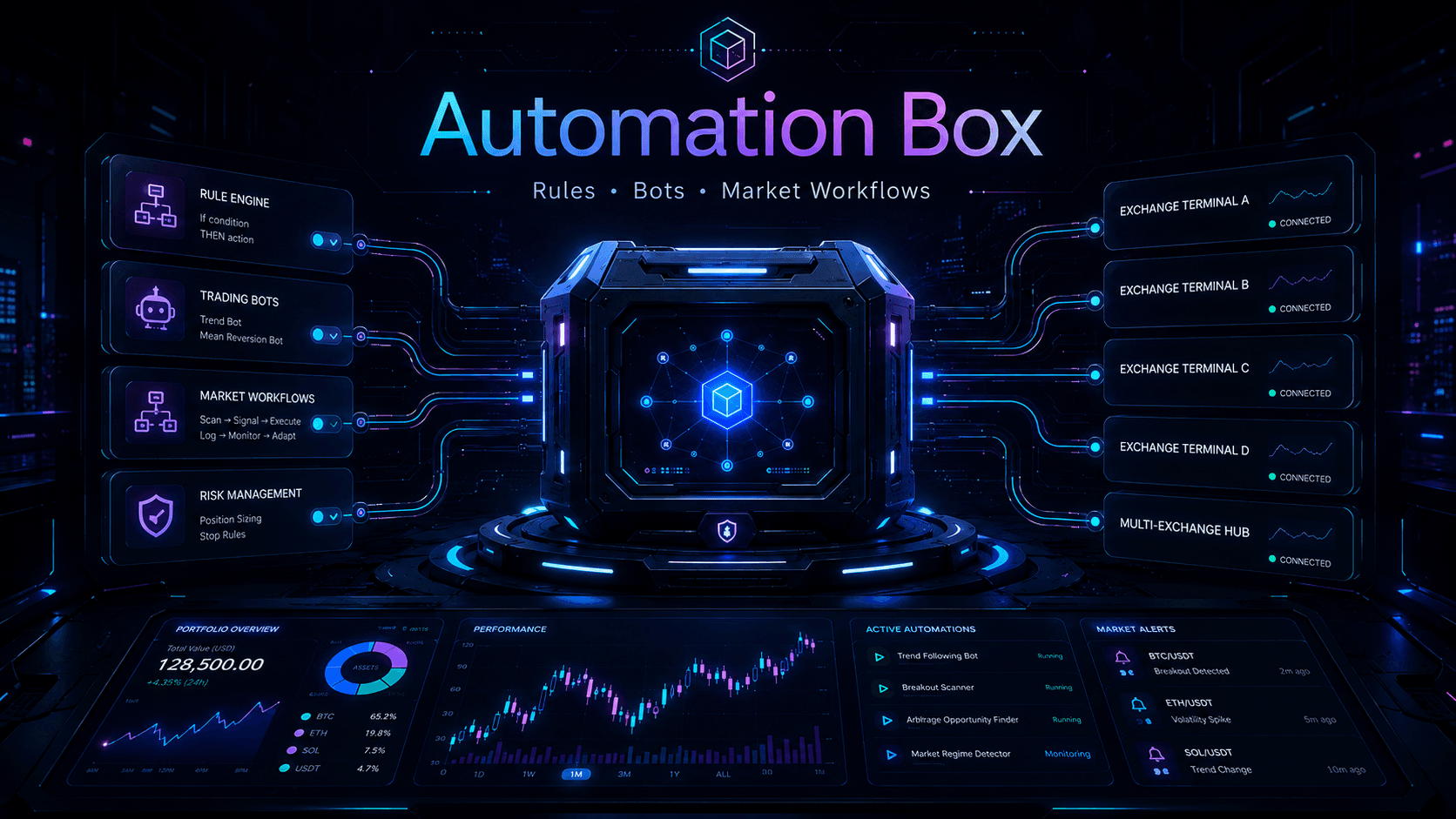
Automation Box separates the work by job: TradingView for research and alerts, Coinrule for no-code rules, and Bitsgap for bot architectures and multi-exchange operations.
Define the condition and action clearly, review exchange connection permissions, and use demo or simulated workflows where the platform provides them before live deployment.
Use only the permissions the tool needs. Review API settings carefully and keep withdrawal permissions disabled when the official workflow supports that restriction.
No. A backtest reviews historical behavior. Demo checks interface and logic. Live execution still faces fees, liquidity, slippage, and changing market conditions.
Yes as a workflow: research the condition on TradingView, then separately define automation on Coinrule or Bitsgap. Do not assume automatic signal transfer unless an integration is configured on the platforms themselves.
Final three-part CTA