Higher timeframe context
Establish trend or range on the higher timeframe before treating a lower-timeframe move as a decision.
Chart Research Workstation
Official Partner
TradingView is the research partner for crypto charts, timeframes, watchlists, indicators and alerts. Read first. Trade second.
Use TradingView To Read The Market. Use The Exchange To Execute The Order.
Direct verdict
TradingView is the research tool here: use it for charts, watchlists, indicators, and alerts—not automated trade execution or live signals.
Product Proof
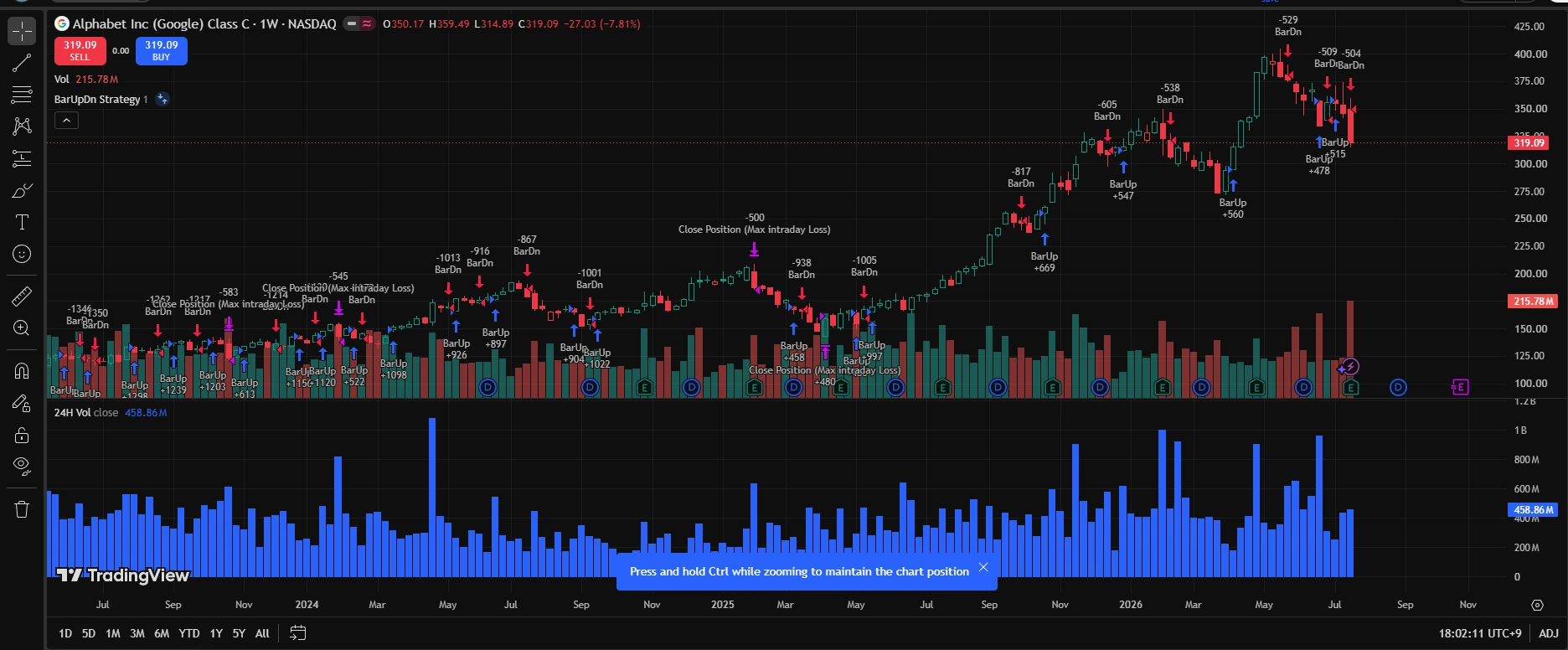
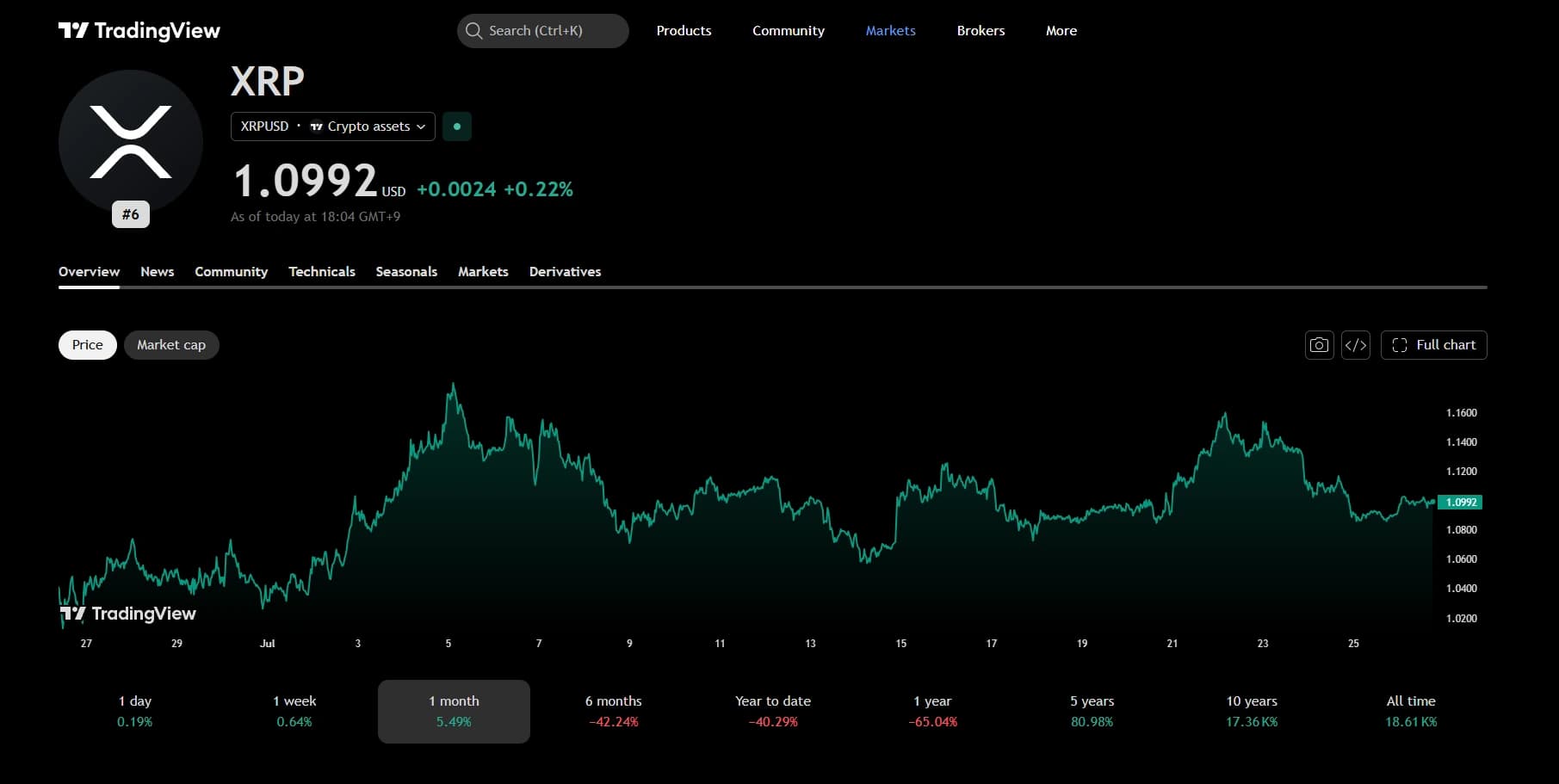
These screens were captured while actively reviewing the product.
Direct answers
Charts and timeframes
Establish trend or range on the higher timeframe before treating a lower-timeframe move as a decision.
Use the lower timeframe to refine timing only after the broader structure is clear.
Watchlists
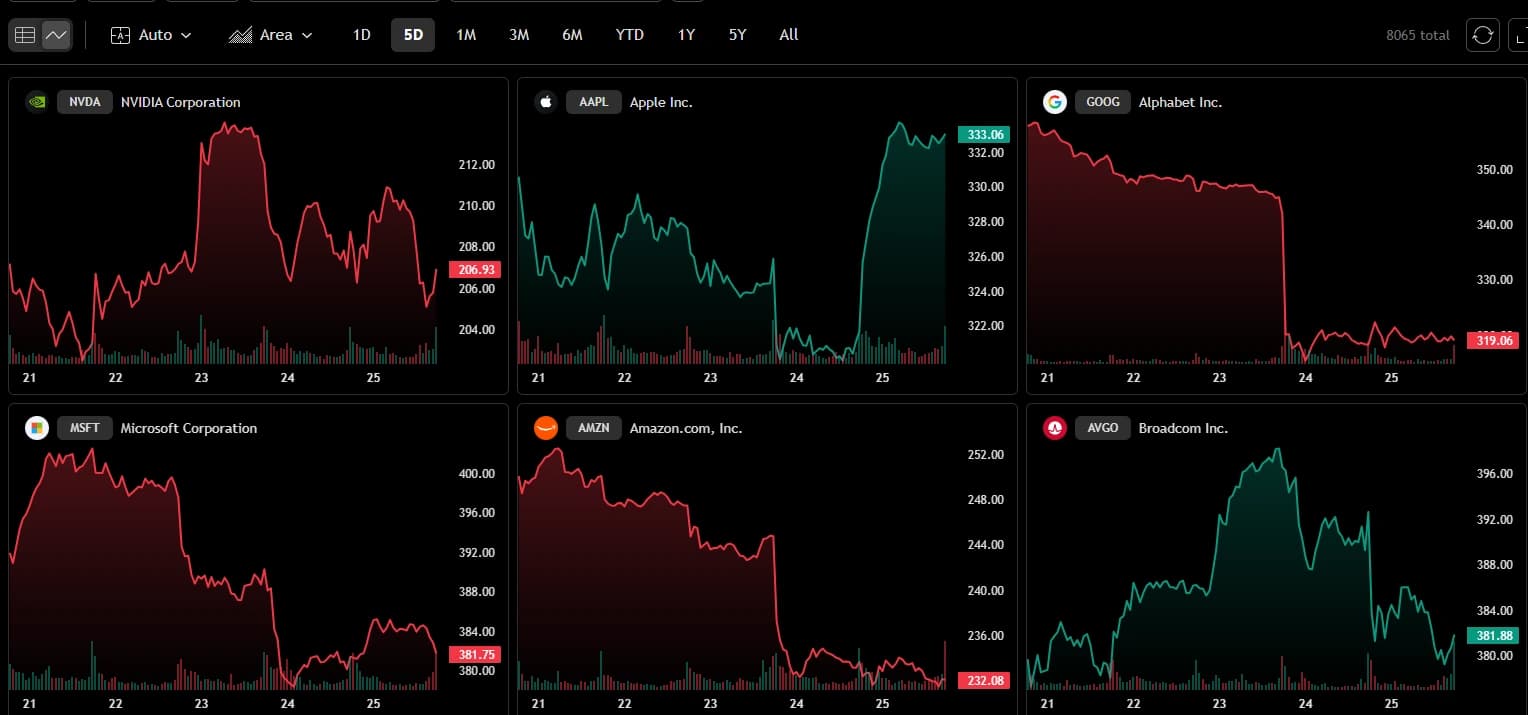
A focused watchlist prevents research from spreading across too many pairs at once. Add only the markets under active review.
Alerts
Alerts notify when a defined condition occurs. They do not guarantee signal accuracy or profitable entries. When a scheduled macro release is nearby, use the Economic Calendar for Crypto to plan the review window before checking charts and alerts.
Indicators
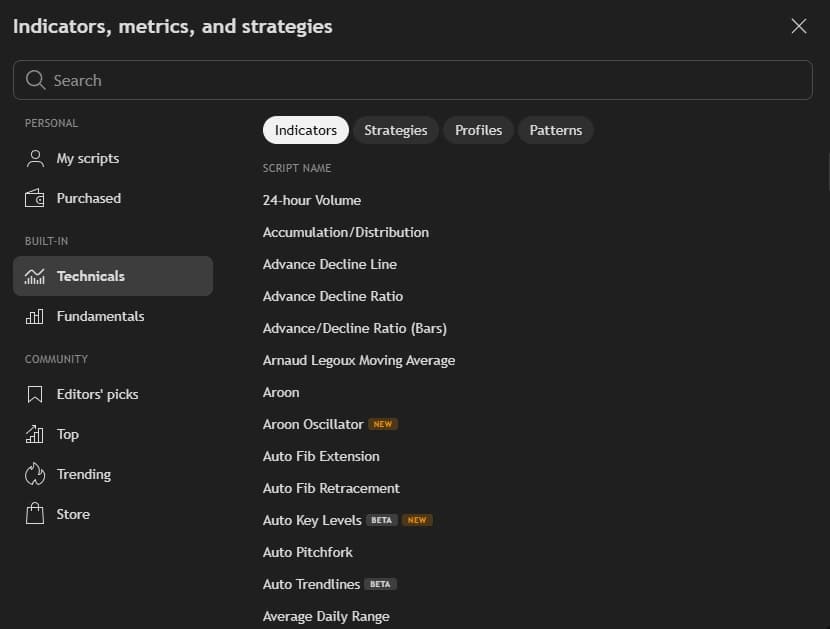
Indicators and custom scripts can clarify context. They do not create guaranteed profitable systems, AI prediction or market-beating results.
Indicators & Strategies
Multi-Chart Analysis
Asset Research
Crypto market table
This Cryptocurrency Market widget complements the chart screenshots above. Use it for an overview of matching market rows, then return to the chart workspace for structure, watchlists and alerts.
Official TradingView widget
Rows are market-data listings sorted for review. They are not buy recommendations.
Learn the interface
Layout and research workflow
Keep the active chart, shortlist and alert list in one workspace so the research view stays consistent.
Record the condition, invalidation and next action before leaving TradingView for an exchange or automation product.
What TradingView does not do
Guaranteed signal accuracy, guaranteed profitable indicators, automatic exchange execution for every alert, AI prediction, live alpha guarantees or perfect entries.
Exchange confirmation, risk size, account security and any rule or bot configuration remain separate decisions.
TradingView versus other tools
TradingView reads the market. The exchange executes the order and holds the balance.
TradingView charts and alerts. Coinrule automates explicit condition-and-action rules.
TradingView charts and alerts. Bitsgap operates trading-bot structures after the market view is clear.
Return to Alpha Box when the question is the broader research hub, not the TradingView product itself.
Direct action
Set the chart, watchlist and alert before moving to an exchange or automation product.
Open TradingView And Build The WatchlistResearch hub and related guides
FAQ
Choose TradingView when the job is reading charts, organizing watchlists, applying indicators and setting alerts before an order or automation decision.
Use TradingView to read the market. Use the exchange to execute the order. Do not assume automatic exchange execution unless a configured integration exists on the platforms themselves.
No. Indicators organize research. They do not guarantee signal accuracy, perfect entries or market-beating results.
Alerts reduce constant screen time. Account review, risk size and exchange confirmation still remain manual decisions.
Return to Alpha Box for the research hub, open the pre-trade checklist before an order, or move to the automation product guide only after the market view is clear.
Final CTA